One BIM platform. Four very different jobs to do.
Every role on a construction project needs something different from the same model: oversight, coordination, design intent, or independent judgement. Vitus is built so each one gets it, from the same browser tab, without installing anything.
See Vitus from your seat on the project
Click a role below and the page updates with what matters to that job, without leaving this screen.
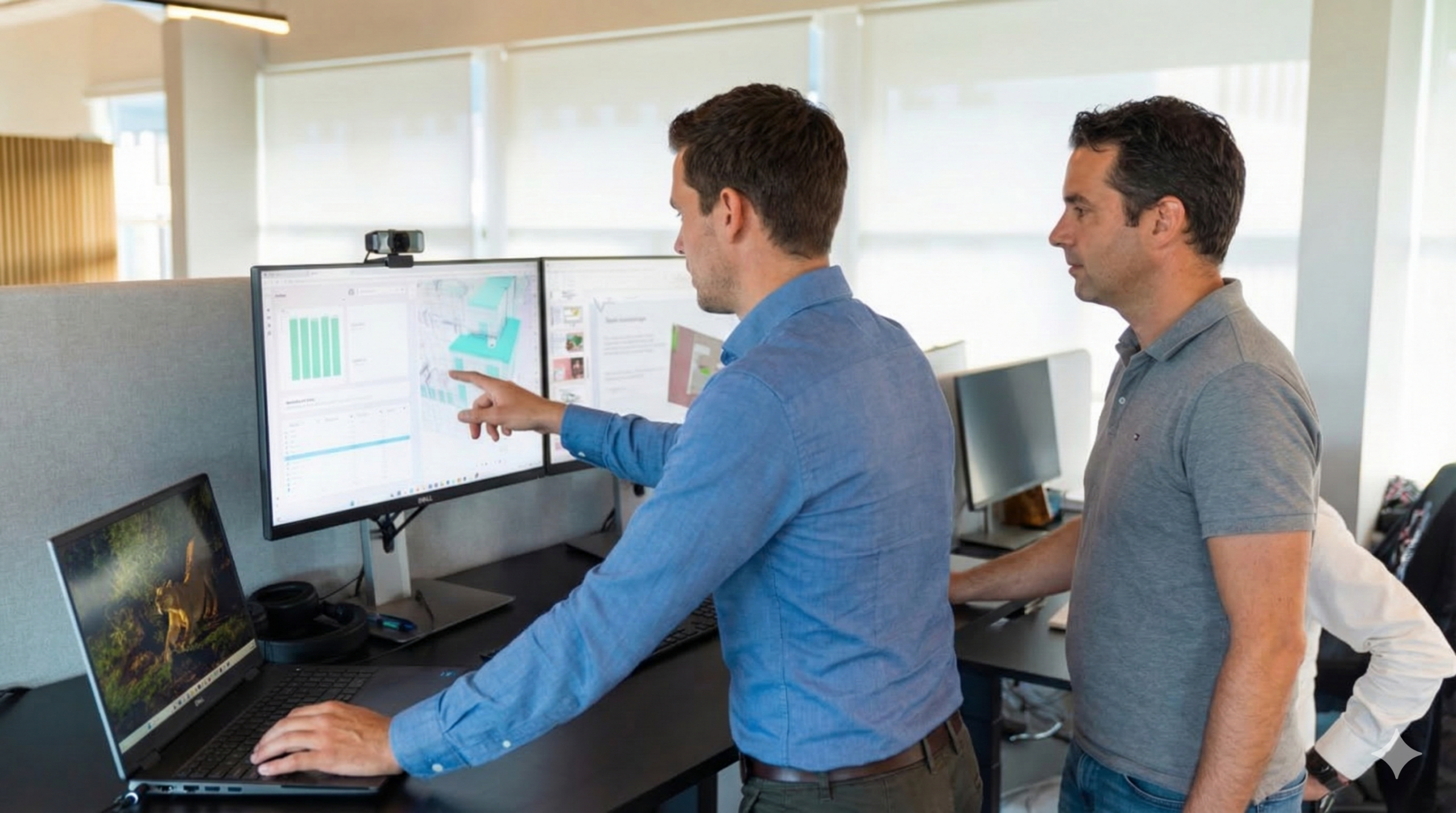
Full project oversight, without chasing a single status update
Owner organisations carry the ultimate responsibility for project outcomes. Vitus gives you one visual source of truth, live in the browser, so you validate deliveries, track quantities, and make decisions on today's data, not last week's export.
Complete oversight, across stakeholders you don't control
As an owner or developer, you're accountable for outcomes across every discipline, contractor, and delivery, but you rarely control the tools each of them uses. That gap is usually filled with emails, PDF exports, and status meetings that are already out of date by the time they happen.
Vitus replaces that patchwork with a shared digital environment where design models, drawings, and project data are always available in the browser. No installations, no delays: the same visual source of truth for every team on the project, including yours.
Instead of chasing updates, you validate model deliveries, track quantity changes, and review area updates directly in Vitus. Custom dashboards put the right data in front of decision-makers at the right time.
of stakeholders, designers, contractors, subcontractors and your own team, work from the same live model and data, with no software to install on their end.
Stay in control across the full project lifecycle
Validate deliveries in 3D
Review model deliveries and changes directly in the browser, without waiting on a consultant's summary report.
Track quantities and areas
Follow quantity changes and area updates across all disciplines as they happen, not at the next milestone.
Compare versions
Track deviations from agreed specifications by comparing model versions side by side.
Role-appropriate access
Give every stakeholder exactly the access they need, with nothing to install on their side.
Complex project data, accessible for everyone who needs it
Whether you're reviewing a contractor's latest IFC delivery, verifying area calculations, or aligning on scope changes, Vitus brings all your data into one clear environment.
- Supports 30+ file types (IFC, RVT, DWG, NWD, PDF, and more)
- Dashboard builder for quantity tracking, area overviews, and delivery status
- Model comparison and change detection across revisions
- Saved Views and annotations for structured feedback and sign-off
- Role-based access for owners, consultants, and contractors
- Optimised for accessibility on desktop and tablet
Unlike conventional CDEs, built for oversight, not just storage
| Chasing status the old way | With Vitus | |
|---|---|---|
| Delivery review | Waiting for a consultant's PDF summary | Open the IFC/RVT delivery yourself, in the browser |
| Quantities & areas | Recalculated by hand ahead of each meeting | Live dashboards, always current |
| Scope changes | Buried in email threads | Version comparison shows exactly what changed |
| Stakeholder access | Everyone gets everything, or nothing | Role-based access per stakeholder |
| Getting started | Licenses and installs for every reviewer | Share a browser link |
Questions owners and developers ask us
Do owner organisations need to install software to use Vitus?
No. Vitus runs entirely in the browser, so your team, your consultants, and your contractors can all open the same shared model without installing anything or holding a software licence.
How does Vitus help track scope and quantity changes?
Vitus compares model versions automatically and surfaces what changed: quantities, areas, and geometry, so deviations from the agreed specification are visible as soon as a new delivery lands.
Can different stakeholders have different access levels?
Yes. Vitus supports role-based access, so your internal team, external consultants, and contractors each see only the data relevant to their role, while you retain full oversight.
What file formats can we review in Vitus?
Vitus supports more than 30 file types, including IFC, RVT, DWG, NWD and PDF, so deliveries from every discipline can be reviewed side by side without format conversion.
How is Vitus different from the CDE we already use?
A conventional CDE is built to store and version files. Vitus is built for people to actually look at what's inside them, visually, in 3D, through live dashboards, so oversight doesn't depend on someone else's written summary.
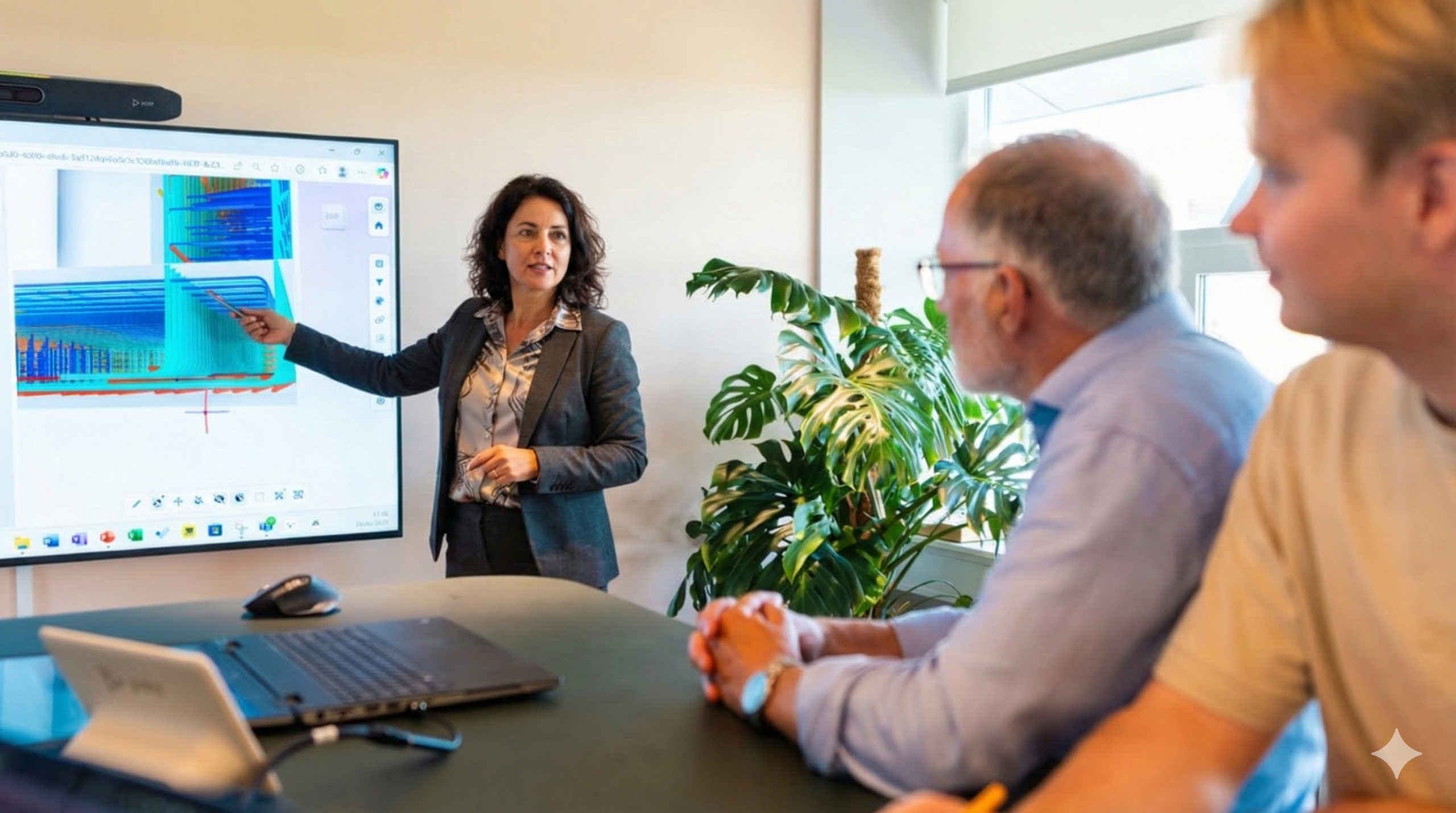
The link between the office and the field, in one browser tab
Contractors depend on accurate, up-to-date information to keep projects moving. Vitus connects design offices, site teams, and subcontractors in one shared digital environment, so what's planned is exactly what gets built.
Keeping the site aligned with a design that keeps changing
Instead of juggling drawings, models, and spreadsheets across multiple systems, you can review, compare, and communicate everything in Vitus. It's the link between the office and the field that ensures what's planned is exactly what gets built.
Contractors using Vitus gain full transparency on project progress, detect issues earlier, and can prevent production downtime, material waste, and unnecessary rework, because everyone, from the design office to the last subcontractor on site, is looking at the same model.
of construction site time is estimated to go to suboptimal tasks, often just locating the right, current information to do the job correctly.
Turn complex coordination into confident execution
Compare versions visually
Track progress against the design by comparing model versions side by side, not from memory.
Link documents to the model
Attach drawings, documents, and photos directly to model elements, so context travels with the geometry.
Saved Views & annotations
Communicate with shared Saved Views and annotations instead of another long email thread.
No extra software or training
Keep every discipline and subcontractor aligned in the browser they already have open.
Fast, visual, and accessible anywhere
Unlike conventional CDEs, Vitus is designed for the realities of construction, bringing data and 3D models together in one clear environment, whether you're coordinating subcontractors or verifying work in progress.
- Supports 30+ file types (IFC, RVT, DWG, NWD, PDF, and more)
- Progress tracking and colorized dashboards
- Saved Views and Sketches for issue management
- Version comparison and live synchronization
- Optimized for site connectivity and mobile access
- One environment from tender to handover
Built for the realities of construction, not just file storage
| Coordinating the old way | With Vitus | |
|---|---|---|
| Site access | Paper drawings, or a laptop that stays in the site office | Live 3D model on any tablet or phone, on site |
| Subcontractors | Re-briefed verbally, drawing by drawing | Shared Saved Views everyone can open directly |
| Progress tracking | Manual status reports after the fact | Colorized dashboards, updated as work happens |
| Issues & rework | Found on site, after the material is ordered | Caught earlier by comparing versions visually |
| Getting started | New software and training per subcontractor | Share a browser link, no training required |
Questions contractors ask us
Can site teams use Vitus on a tablet or phone without installing anything?
Yes. Vitus is optimised for site connectivity and mobile access, so it works as a BIM kiosk on site or on a personal device, straight from the browser.
How does Vitus help reduce rework and material waste?
By giving every discipline and subcontractor access to the same current model and progress dashboards, discrepancies between what's built and what's designed surface earlier, before they turn into costly rework or wasted material.
What file types does Vitus support for contractors?
Vitus supports more than 30 file types, including IFC, RVT, DWG, NWD and PDF, so drawings and models from every trade can sit in one viewer.
How do Saved Views help coordinate subcontractors?
A Saved View captures a specific angle, filter, or stage of the model that a subcontractor needs, so instead of re-explaining scope verbally, you share a link straight to the relevant view.
Is Vitus a replacement for our CDE?
Vitus works alongside your existing CDE. It's the layer where people actually look at, compare, and discuss what's stored there, visually, in 3D, from the office or the site.
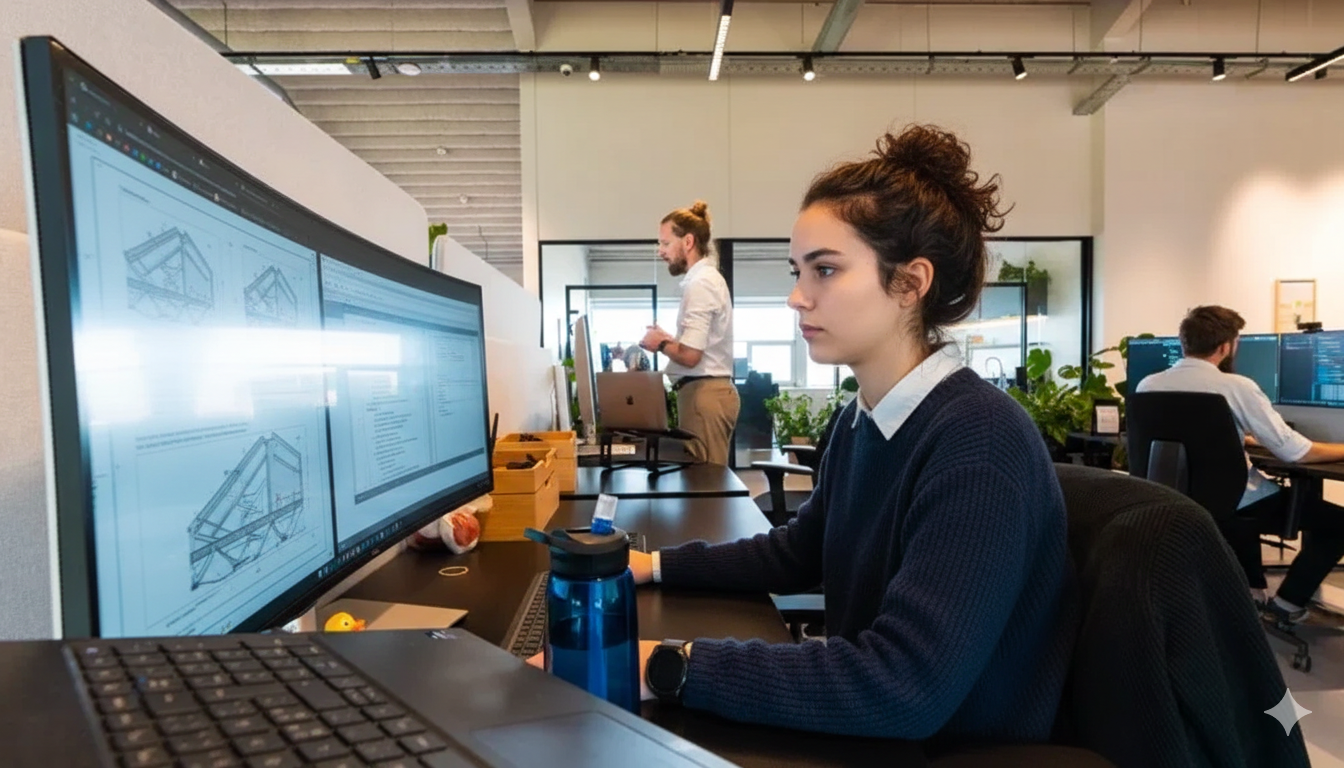
Protect your design intent, from first sketch to final build
Architectural vision depends on precise coordination. Vitus brings architects, engineers, and builders together in one shared digital environment, connecting the 3D design model and data in a way that's easy for anyone to understand.
Design intent that gets lost between sketch and site
As projects progress, information often gets scattered across tools and teams. In traditional workflows, more than 90% of a project's data ends up unused, leading to unnecessary rework, lost context, and fragmented communication.
Vitus changes that by giving every stakeholder access to the same clear, visual source of truth. Architects using Vitus can communicate their vision to project owners, engineers, and contractors effortlessly, and keep everyone aligned from the first sketch to the final build.
of a project's data typically ends up unused in traditional workflows, the gap Vitus closes by making the model itself the shared conversation.
The digital bridge between designers, owners, and contractors
Communicate your vision
Share project development with clients through the model itself, not a static render.
Share models effortlessly
Send a link, not a file. Anyone can open the model straight in their browser.
Collaborate with engineers & contractors
Coordinate seamlessly across disciplines without exporting between different tools.
Reduce errors with real-time clarity
Deliver confident, buildable, and sustainable results with everyone working from the same data.
Designed around visual clarity and human collaboration
Vitus integrates with the tools architects already use, including Revit, Navisworks, IFC models, and more, so you can stay focused on great design, not file management.
- Model-based collaboration in 3D
- Version control with full context
- Clear visual data for better decisions
- Live link between office and site
- Works with Revit, Navisworks, IFC, and more
- No plugins for clients or collaborators to install
A shared experience, not a file handoff
| Communicating the old way | With Vitus | |
|---|---|---|
| Client updates | Static renders and PDF exports | Interactive 3D walkthroughs of the live model |
| Design intent | Explained again at every handoff | Carried in the model, visible to everyone |
| Engineer & contractor input | Fed back through email and markups | Saved Views and annotations, tied to geometry |
| Client access | Requires the same software you use | Opens in any browser, no installs |
| Rework risk | Discovered on site | Caught early through shared visual review |
Questions architects ask us
Does Vitus integrate with Revit and Navisworks?
Yes. Vitus works with the tools architects already use, including Revit, Navisworks, and native IFC models, so you don't have to change your design workflow to get a shared, visual environment.
How can architects use Vitus to communicate design intent to clients?
Instead of a static render or PDF, you share the live 3D model itself. Clients can walk through it, and you can guide the conversation with Saved Views that highlight exactly what matters at each stage.
Can I share a 3D model with a client without them installing software?
Yes. Vitus runs entirely in the browser, so anyone you share a link with (client, engineer, or contractor) can open the model immediately, with no plugin or licence required.
How does Vitus reduce rework caused by miscommunication?
By keeping everyone on the same visual source of truth, changes and clarifications are captured directly on the model through Saved Views and annotations, rather than lost across separate email threads.
Where does the "90% of project data unused" figure come from?
It reflects how much of a typical BIM model's underlying data goes unreferenced once workflows fragment across tools and teams. Vitus is built to keep that data visible and usable by everyone on the project, not just the team that authored it.
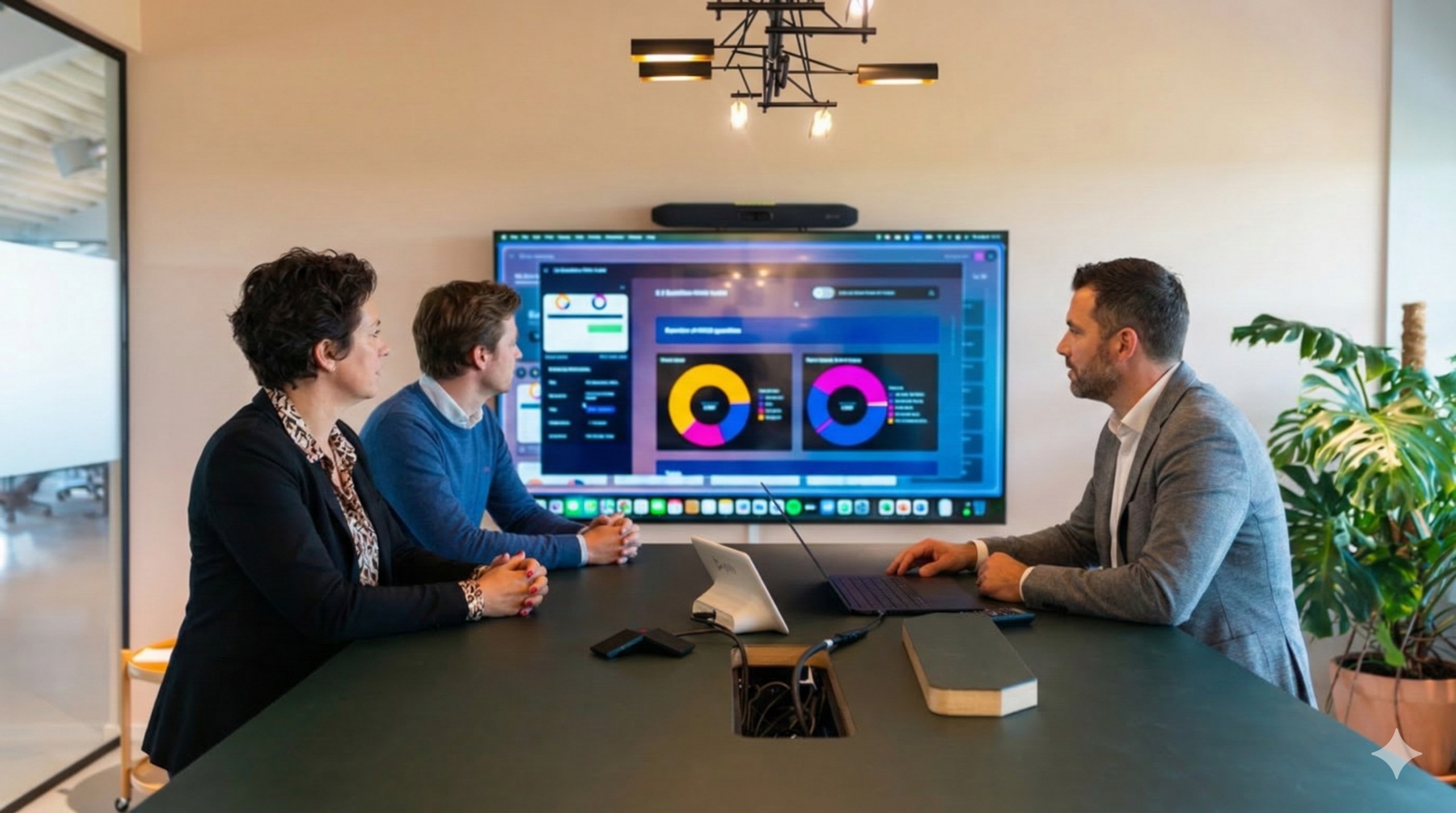
Independent oversight you can defend, across every project you advise
Consultants, advisors, and engineering teams are brought in to give an objective, expert read on a project, a second opinion contractors and owners can trust. That credibility depends on seeing the same live data everyone else works from, not a static snapshot from last week's export.
Objective judgement, on someone else's project and someone else's tools
An advisor's value is independence: a second opinion that doesn't depend on which office authored the model. But in practice, that means learning a new system for every client, working from exports that are already out of date, and turning findings into a report nobody can easily verify.
Vitus gives advisors and engineering teams a shared, visual source of truth across every project in their portfolio, whatever tools sit behind it. You review the live model directly, in the browser, and put your findings back onto that same model, with a timestamped record of what you flagged, and when.
The result is oversight that's not just informed, but demonstrably so: a dashboard or annotated Saved View you can stand behind in front of a client, a board, or, if it comes to it, a dispute.
login for every client relationship, advisors move between projects without re-learning a system or waiting on someone else's export each time.
Judgement backed by live data, not a snapshot
One workspace, every client
Move between projects without re-learning a new system or waiting on IT for a new licence each time.
Audit deliveries against spec
Check model deliveries and compliance against agreed specifications, directly in 3D.
Presentation-ready reporting
Build objective dashboards for client and stakeholder reporting, straight from the live model.
Scoped, not full, access
Work from the same data as owners and contractors, without needing full editing rights on their systems.
A defensible record, not just an opinion
Whether you're auditing a delivery, verifying compliance, or reporting to a board, Vitus keeps the evidence attached to the model itself.
- Cross-project workspace for advisors managing multiple clients
- Model comparison and change detection to verify what's actually been delivered
- Saved Views, sketches, and annotations for structured, defensible feedback
- Role-based access, so sensitive project data stays scoped to the right people
- Exportable, presentation-ready dashboards for board and client reporting
- Browser-based on desktop or tablet, no software to licence per project
Continuous oversight, not a point-in-time file review
| Advising the old way | With Vitus | |
|---|---|---|
| Access per client | New software or licence to learn each time | One browser workspace, every client |
| Basis for findings | Whatever export you were last sent | The live model, reviewed directly |
| Feedback trail | Comments in email or a static report | Timestamped Saved Views and annotations |
| Client reporting | Rebuilt manually for each board update | Exportable dashboards, straight from the data |
| Data exposure | All-or-nothing project access | Role-based access scoped to your mandate |
Questions engineering teams ask us
How does Vitus help independent consultants manage multiple client projects at once?
All your projects sit in one Vitus workspace, so you switch between clients without learning a new tool or waiting for a new licence each time, while each project's data stays properly scoped and separate.
Can advisors use Vitus without being given full editing access to a project?
Yes. Role-based access means you can be given exactly the visibility your mandate requires (reviewing and annotating, for example) without full editing rights over the underlying project model.
How does Vitus support quality assurance and compliance audits?
Vitus compares model versions and highlights what changed, so you can check a delivery against the agreed specification directly in 3D, with Saved Views and annotations that document exactly what you found and when.
Can I export Vitus dashboards for client or board reports?
Yes. Dashboards built on quantities, areas, and delivery status can be exported in presentation-ready form, so your reporting is backed by the same data your review was based on.
Is Vitus suitable for BIM/VDC advisory and engineering work, as well as general construction consultancy?
Yes. Vitus supports 30+ file formats including IFC, RVT, DWG and NWD, so BIM/VDC advisors and engineering teams can review model quality and coordination directly, alongside consultants focused on programme, cost, or compliance.
What every role gets, no matter the login
Underneath the four workflows above sits one shared engine: the things that make Vitus different from a conventional CDE, whoever is using it.
Runs entirely in the browser
No installs, no plugins, no waiting on IT. Open a link and you're in the model.
30+ file formats, one viewer
IFC, RVT, DWG, NWD, PDF and more, all opened side by side without conversion headaches.
Dashboards you actually build
Track quantities, areas and delivery status live, instead of waiting for the next report.
Saved Views & annotations
Turn a 3D model into a shared conversation, with a record of who flagged what, and when.